iOS & Android
React Native
Build for both platforms with React Native and Expo. The SpeziVibe template generates an app with your choice of backend and optional features.
React Native templateVibe coding for digital health
Describe your idea. Build with AI. SpeziVibe gives your coding tool a digital health playbook to help you ask the right questions, make a clear plan, and build one milestone at a time.

From Stanford Biodesign Digital Health
Free & open source (MIT)

Bring the coding tool you use
A skill is a reusable set of instructions for your AI coding tool. SpeziVibe’s skills bring digital health planning into that conversation, so your agent has a clear plan to build from.
Tell your AI coding tool what you want to build and who it should help. SpeziVibe asks questions to understand the need.
Start with a conversationWork through the experience, health data, and privacy questions that fit your project. Review the written briefs as you go.
Leave with decisions you can reviewYour coding agent uses the plan to implement your app. Choose React Native, Apple-native, or another framework, or build on an existing project.
Keep the plan alongside your codeStart with SpeziVibe to plan and build with AI. When you’re ready to choose a foundation, use a template from the Stanford Spezi ecosystem or bring your own framework.
You can start planning before choosing a platform. SpeziVibe helps you decide based on what your app needs.
Explore Spezi’s framework and templatesExplore how Stanford Biodesign Digital Health and its collaborators use Spezi for research, remote monitoring, and everyday health.
11 projects Scroll to explore
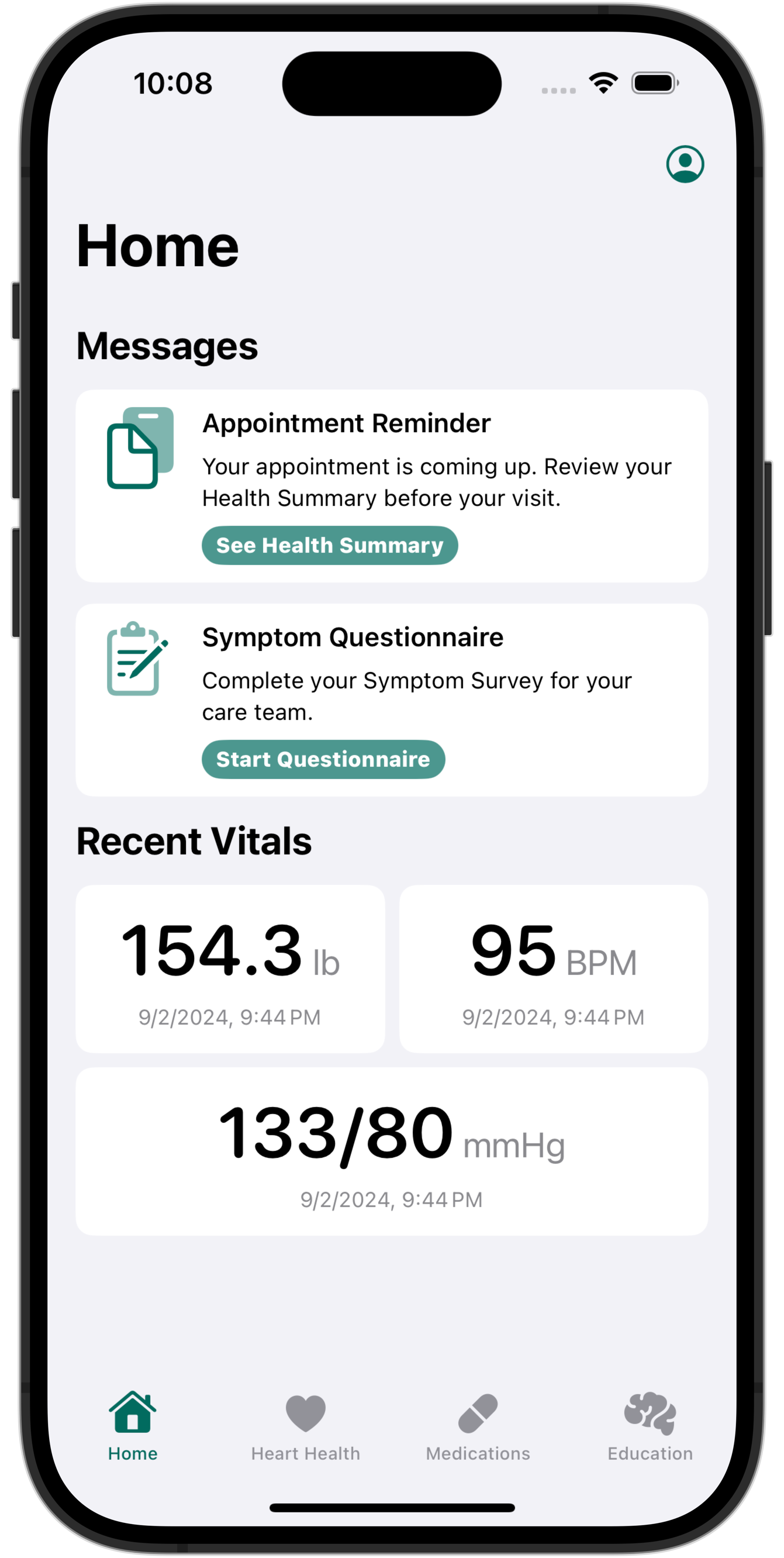
Heart failure
Home monitoring with connected scales, blood pressure readings, and symptom surveys.
Explore ENGAGE-HF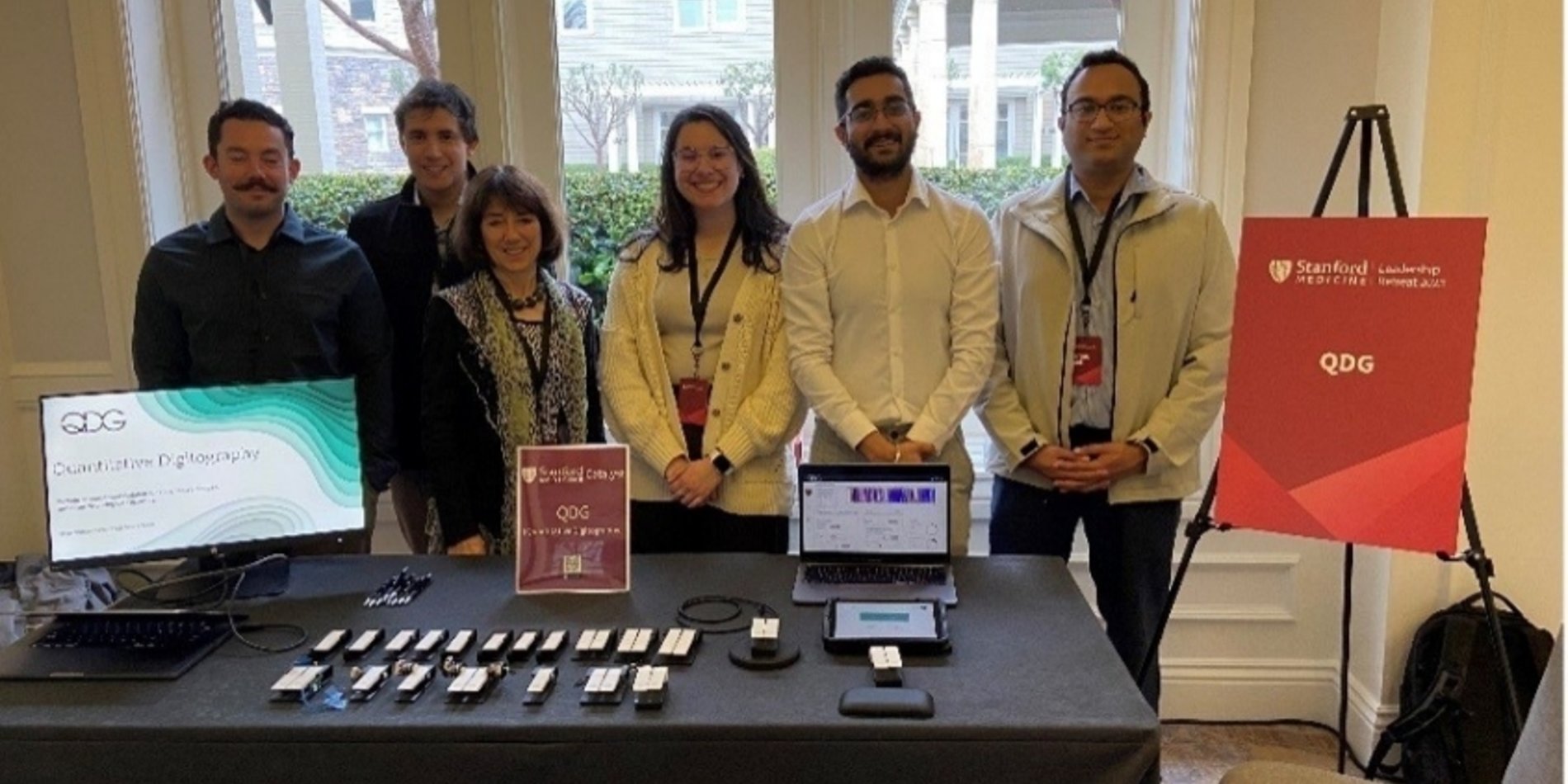
Parkinson’s research
Remote monitoring for Parkinson’s disease using a Bluetooth finger-tapping device.
Explore QDG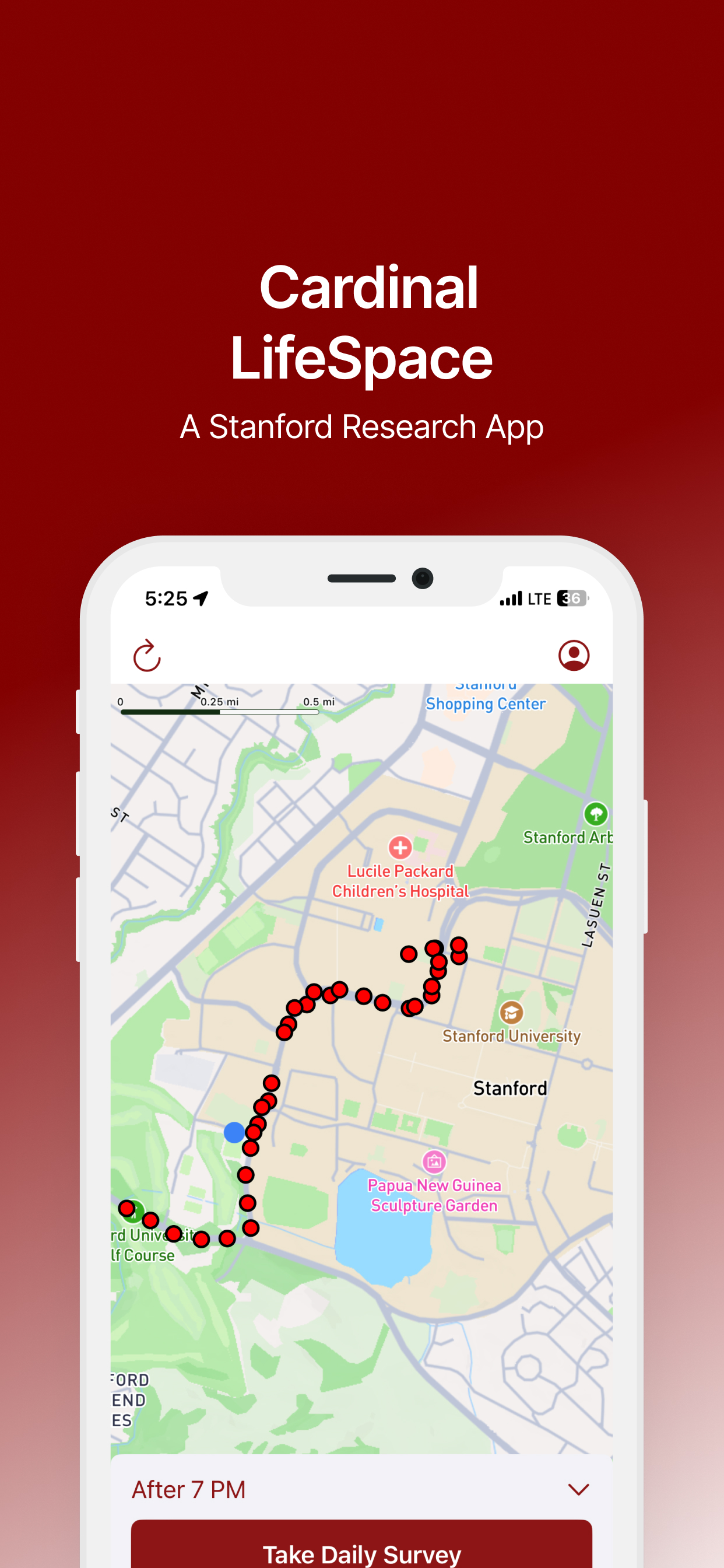
Mobility & environment
Mapping daily movement to study how our surroundings influence health.
Explore LifeSpace
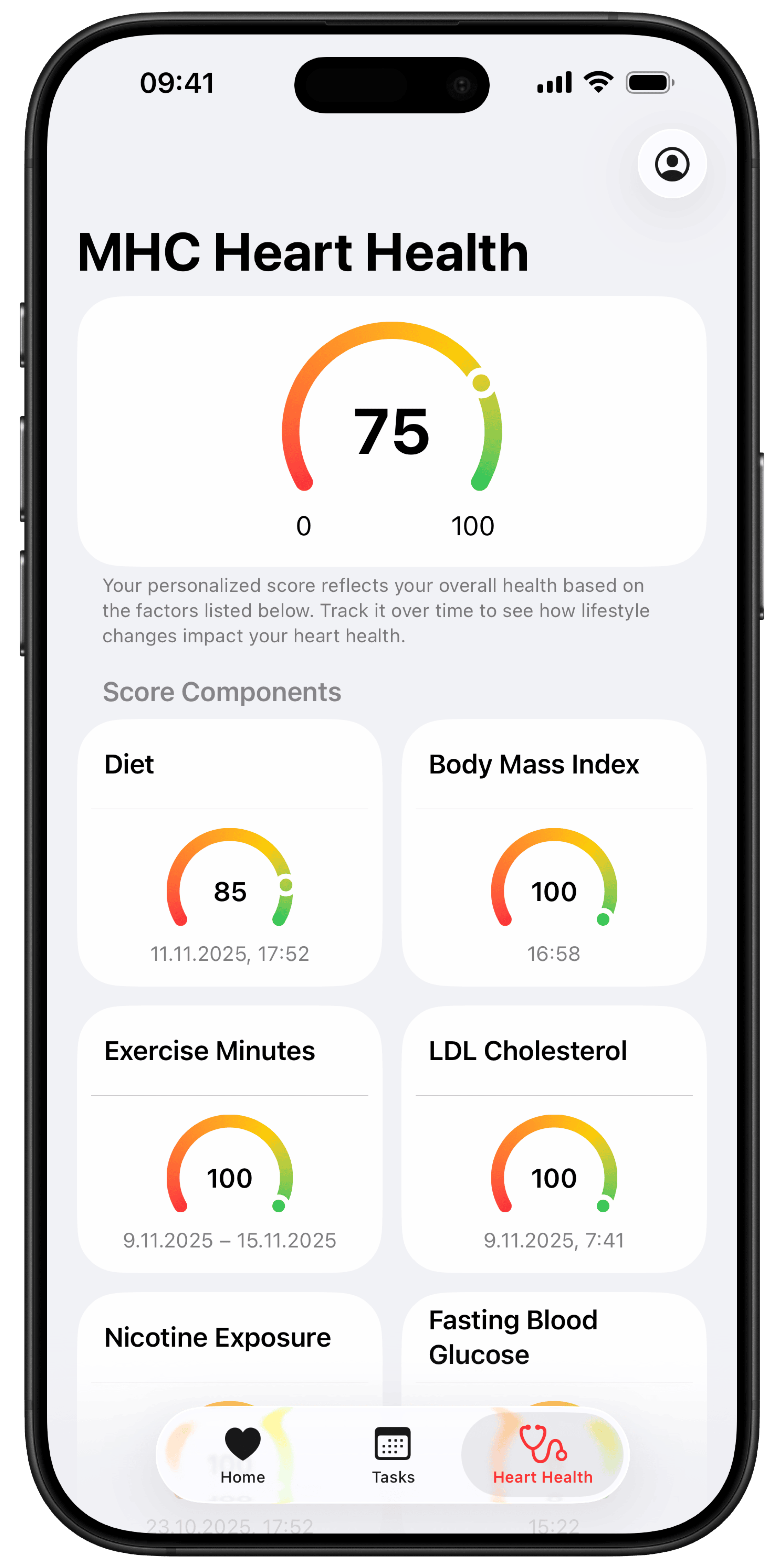
Cardiovascular research
A cardiovascular study combining health data, walking tests, surveys, and personalized activity coaching.
Explore My Heart Counts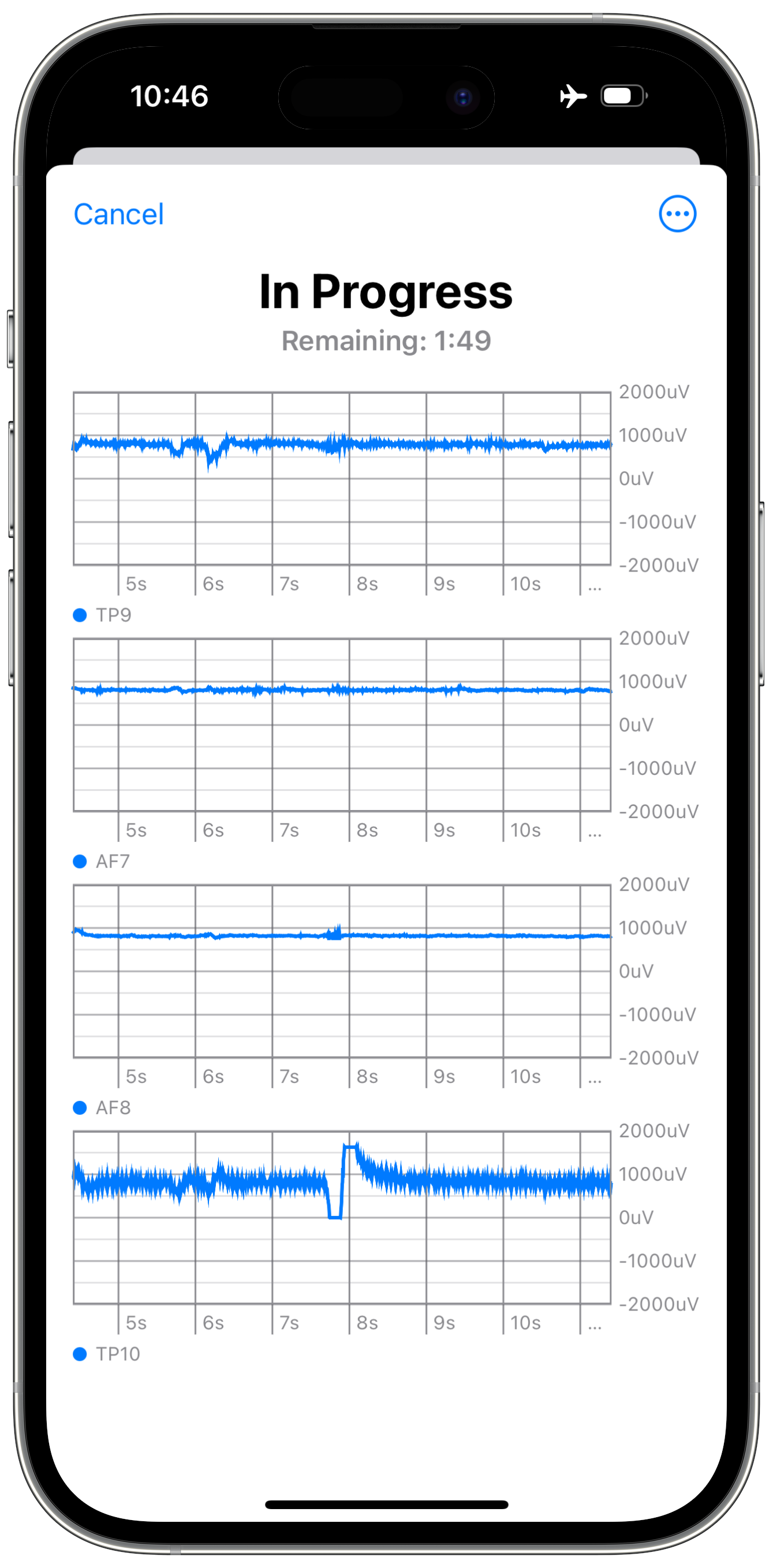
EEG & screening
Bluetooth EEG recordings and screening questionnaires in one app.
Explore NeuroNest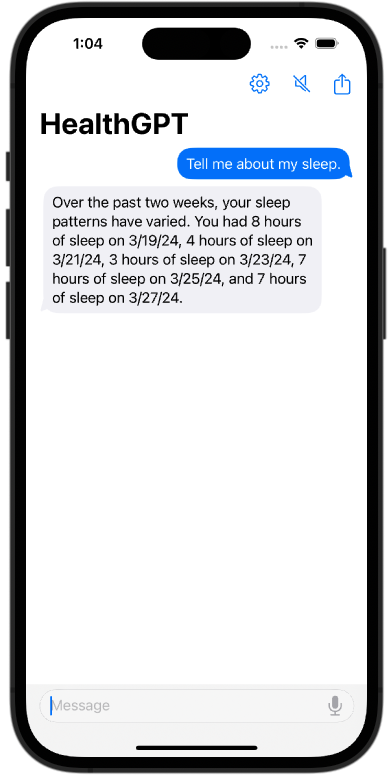
Experimental app
Explore Apple Health data through conversation, using Spezi HealthKit, Chat, and LLM modules.
Explore HealthGPT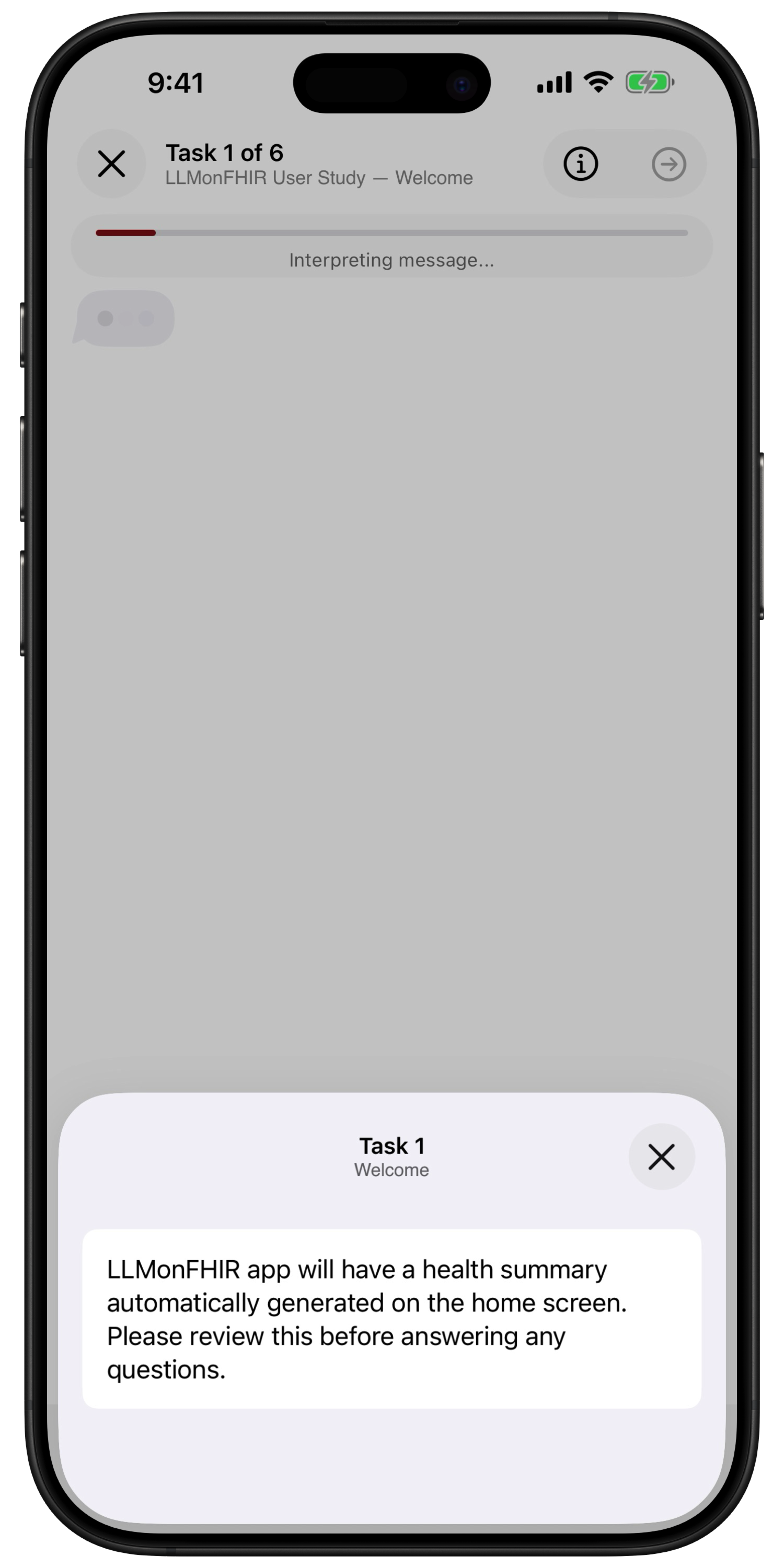
Research app
Study how conversational AI can help people understand health records in FHIR format.
Explore LLMonFHIR
Accessibility prototype
Exploring low-vision accessibility with Vision Pro, an iPhone camera, and AI.
Explore Spatial ContinuityDigital interventions
Bring Spezi into an existing app. This package implements the integration for the one sec app’s Digital Interventions Outcome study.
Explore the integrationClinical trial access
Using health records to help people find relevant cancer clinical trials.
Explore OwnYourDataInstall the skills, then ask your coding tool to use build-an-app. It guides you through the skills your project needs, in the right order.
Run this in your project’s terminal. You’ll need Node.js, Git, and an AI coding tool.
npx skills add StanfordSpezi/SpeziVibe --skill '*'Paste this into your coding tool’s chat, replacing the example with your idea.
I want to build a medication tracker for post-transplant patients. Use the build-an-app skill to walk me through it.New to AI coding tools? Follow the setup guide →
Work through the decisions in a guided workshop, from the people you want to help to your first build milestone.
Enter the workshopAlready know where you need help? Use any skill on its own.
Identify who needs help, what is missing, and what a better outcome looks like.
Plan onboarding and everyday workflows for patients, clinicians, and care teams.
Identify privacy, regulatory, and governance questions to resolve before implementation.
Define the information your app needs, how it relates, and how it can be shared.
Turn your planning decisions into milestones, tasks, and checks for your coding agent.
Compare React Native and Apple-native, then set up a matching Spezi starter if it fits.
Also in the catalog: research studies, FHIR data modeling, EHR integration, project knowledge, and release tools.
Created by the Stanford Biodesign Digital Health team. Free to use, adapt, and contribute to under the MIT license.